Native Operator App
The Skulk operator app gives iOS and Android devices a native interface to one remote cluster. It uses the same cluster state, model store, placement planner, and inference APIs as the dashboard. The app runs no compute node and stores no model weights on the phone.
Use an app build supplied through its distribution channel and a cluster with a configured operator gateway and relay. This guide does not assume that a public App Store or Google Play listing is available. For browser access without a native app, see Mobile dashboard.
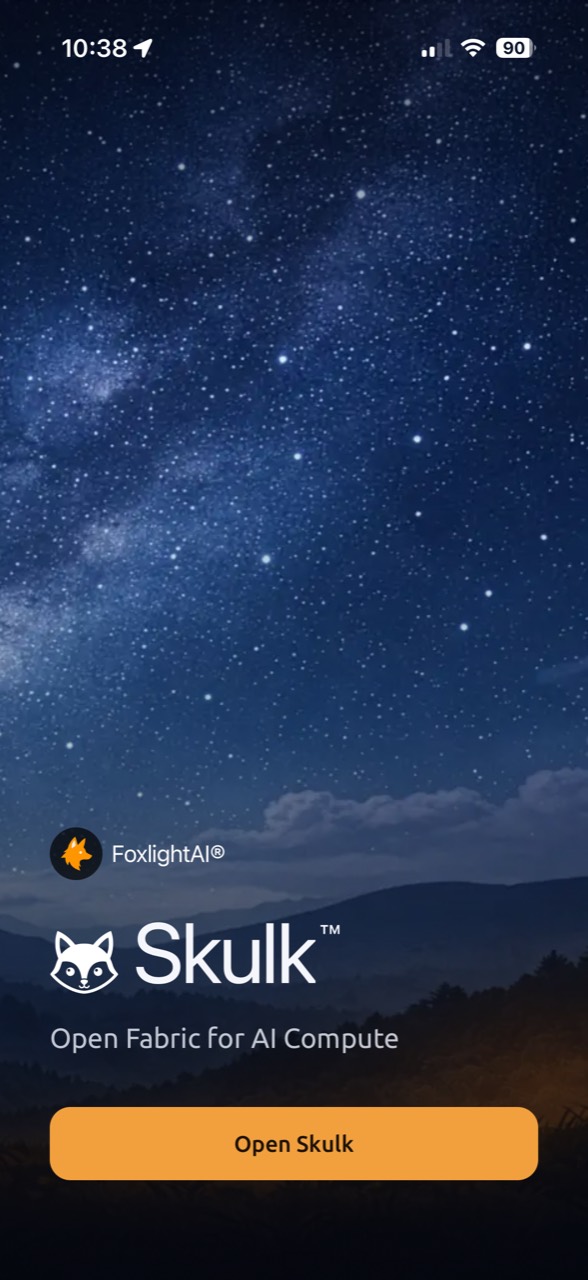
Open the app
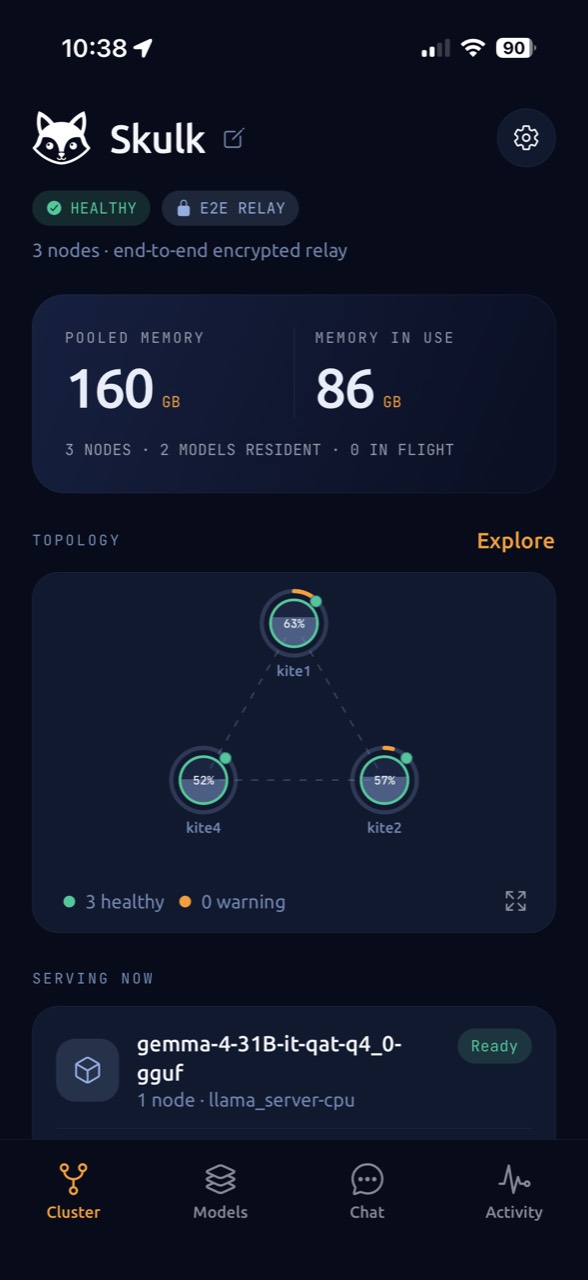
The welcome screen opens into your paired cluster. The captures in this guide come from the iOS app connected to a live cluster. They show actual state at capture time; available models and resource readings can change.
Pair with your cluster
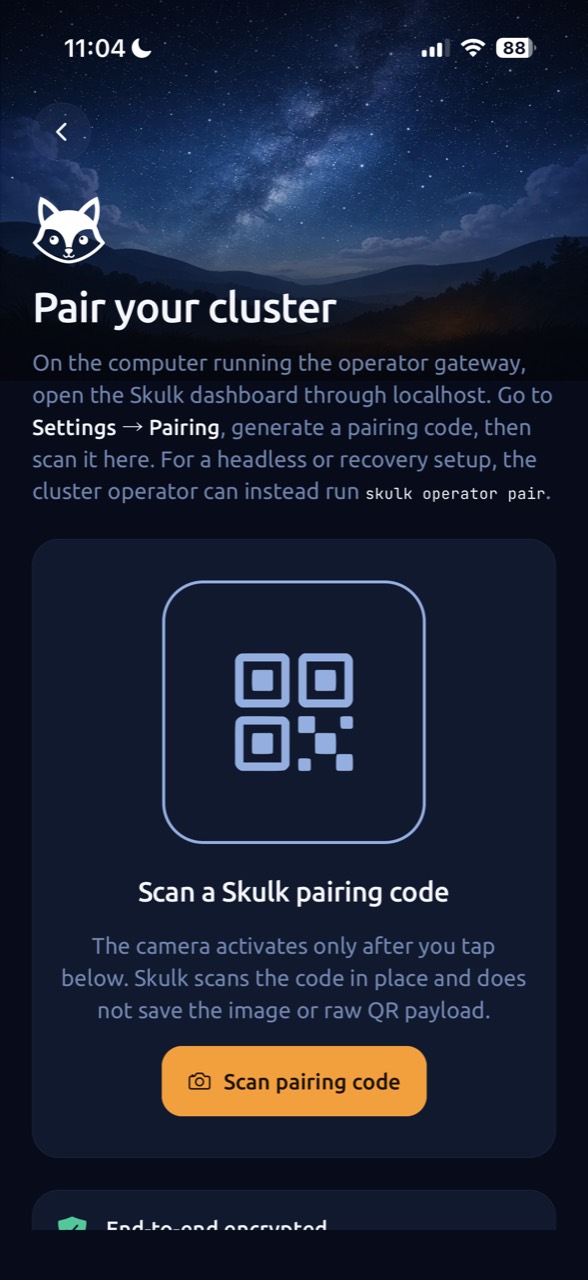
- On the configured gateway, the owner opens dashboard Settings → Devices & pairing through localhost or its authorized Tailscale connection.
- Generate an invitation with the intended validity and device limit. Treat its pairing code and QR image as credentials; share them only with intended users.
- On the phone, open Pair your cluster → Scan pairing code. Allow camera access when asked, then center the dashboard QR code in the frame. The app scans it automatically.
- Check Confirm this cluster and its fingerprint, then complete pairing. The app stores its device credentials in the operating system's protected credential store and connects through the relay.
The phone does not need Tailscale or another VPN app for this path. Relay provisioning is a cluster prerequisite, not something a QR code creates. See Remote access and pairing for owner controls and failure handling.
Four places to work
| Destination | What it shows and does |
|---|---|
| Cluster | Cluster health, nodes, available resources, and compact or full topology with a list alternative |
| Models | Catalog details, canonical downloads, per-node staging, running instances, and contextual download, placement, and stop actions |
| Chat | A conversation with Skulk itself or a selected ready model, streaming answers, and local conversation history |
| Activity | Device-local operation progress and outcomes, including placement and cleanup observations |
Settings contains connection status, appearance, local-data controls, and paired-device management. The app distinguishes fresh, stale, and offline state; a remembered cluster name is not proof of a live connection.
Manage models
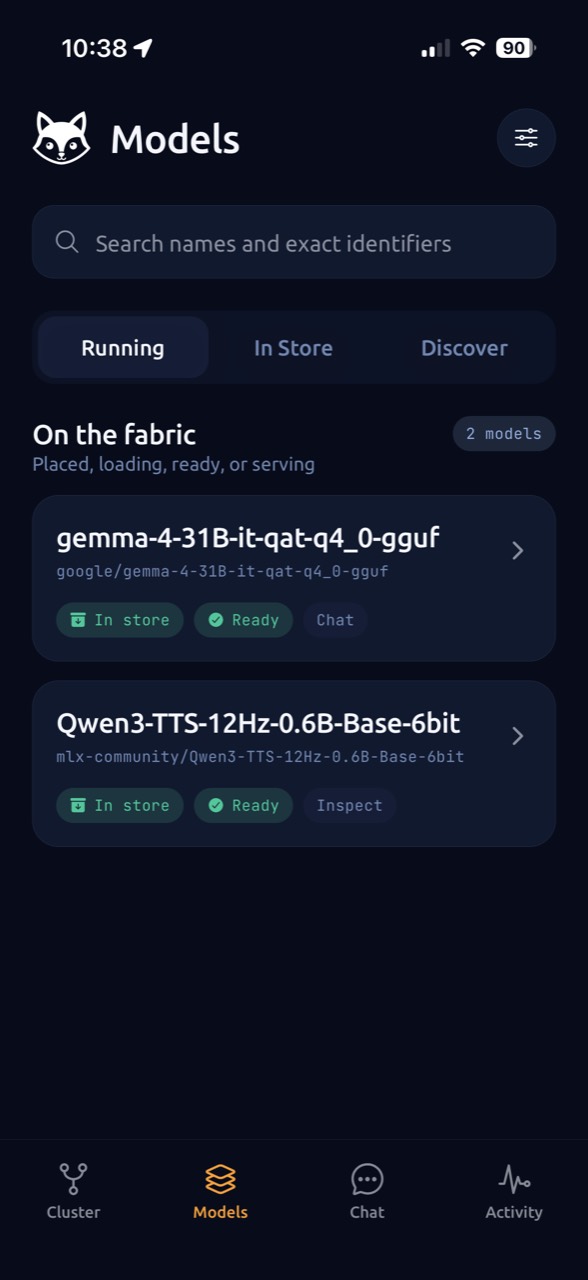
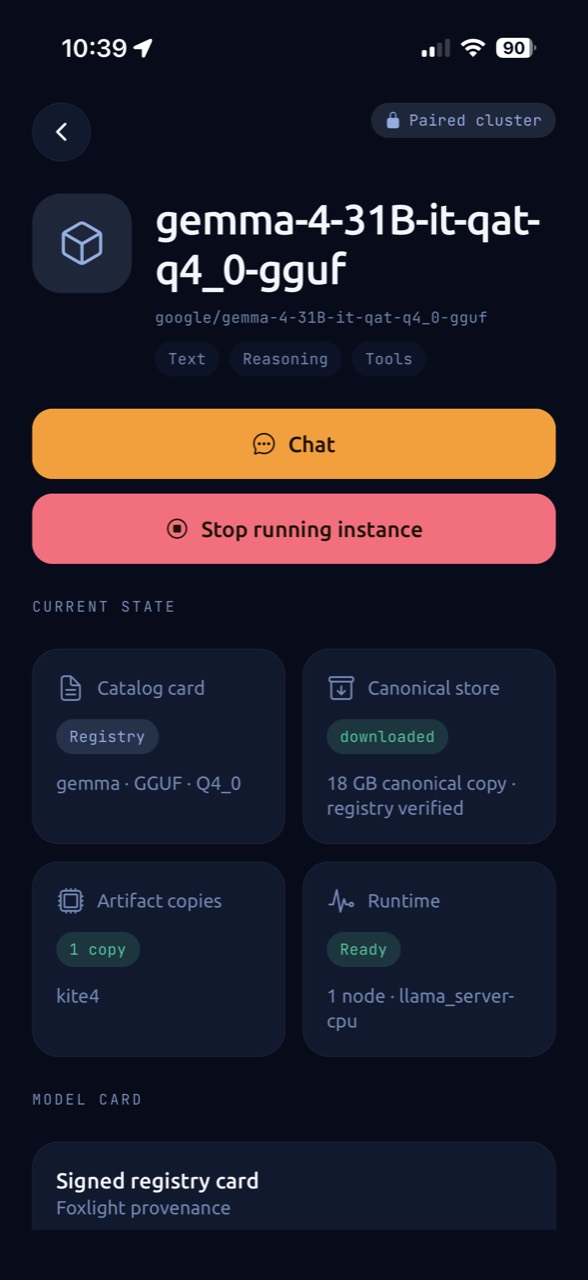
Models do not have to move through one fixed wizard. You can inspect a catalog card before downloading, place an already downloaded model, or stop a running instance while retaining its files.
Placement previews come from Skulk's planner. The first viable option is the recommended choice, and the cluster checks topology and memory again when you confirm. Activity follows the accepted instance rather than assuming that a successful request means loading has finished.
Canceling a download retains the cluster's partial transfer for a later resume. Stopping an instance does not delete its model. Deleting a downloaded model requires stopping its active runtimes first and confirming with system biometrics or the device credential. Clearing idle staging removes node-local copies while keeping the canonical store copy. Node restart is available only when the cluster reports durable installation identities for its nodes and also requires system authorization. Available actions depend on the device's granted scopes.
Chat and spoken responses
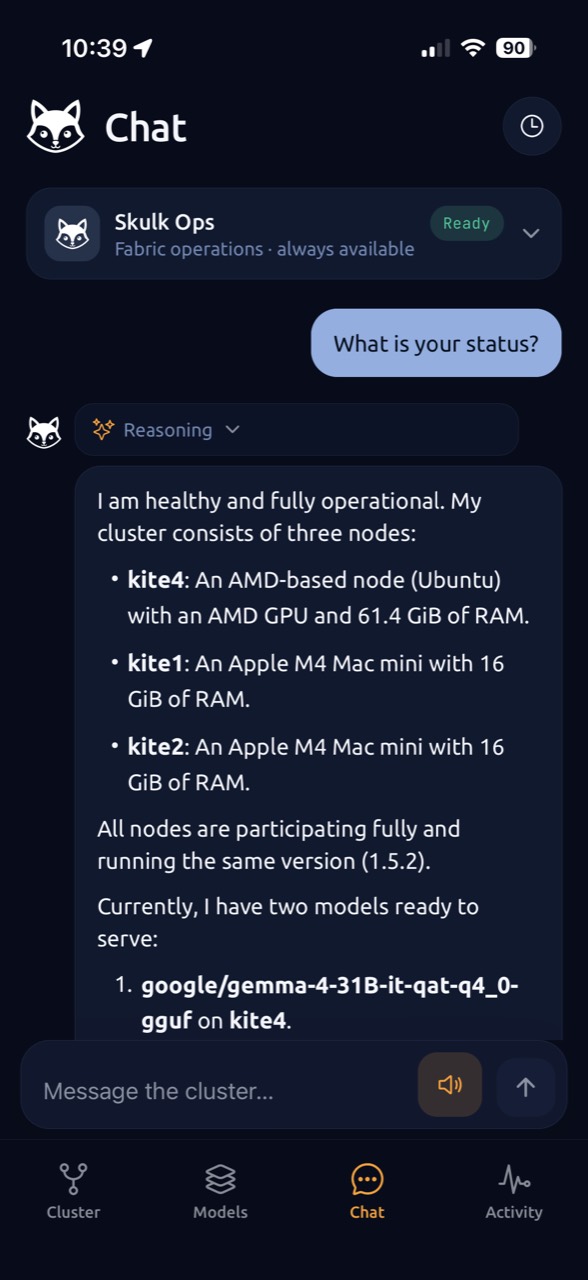
Select Skulk for the fabric-aware conversation or choose a ready model for ordinary model chat. Canceling generation closes that request's independent connection; it does not disconnect the entire app.
When the fabric has a ready speech model that supports streaming raw PCM, the
composer offers spoken responses. Choose a model and voice where available.
Only assistant answer prose is synthesized: reasoning, code, URLs, errors, and
diagnostics are excluded. The Skulk conversation uses its dedicated skulk
voice. Audio plays from bounded memory and stops on cancellation, interruption,
or backgrounding; the app creates no audio recording. Text remains the
conversation's authoritative response if speech is delayed or unavailable.
Local data and device access
Conversations and drafts use encrypted local storage. They are not a cloud-synced conversation archive. Delete local conversations permanently removes the user-created history and drafts from that device.
Disconnect this device clears the local connection credentials. It does not revoke the device's cluster-side grant. Use Paired devices to revoke access; revocation requires system biometrics or the device credential. Revoking the current device returns it to pairing.
Reporting an assistant response is an explicit action. The report contains the selected response, concern category, optional comment, platform, and app version; it does not include the prompt, full conversation, cluster identity, or model identity. Credential-like content is redacted before submission.